

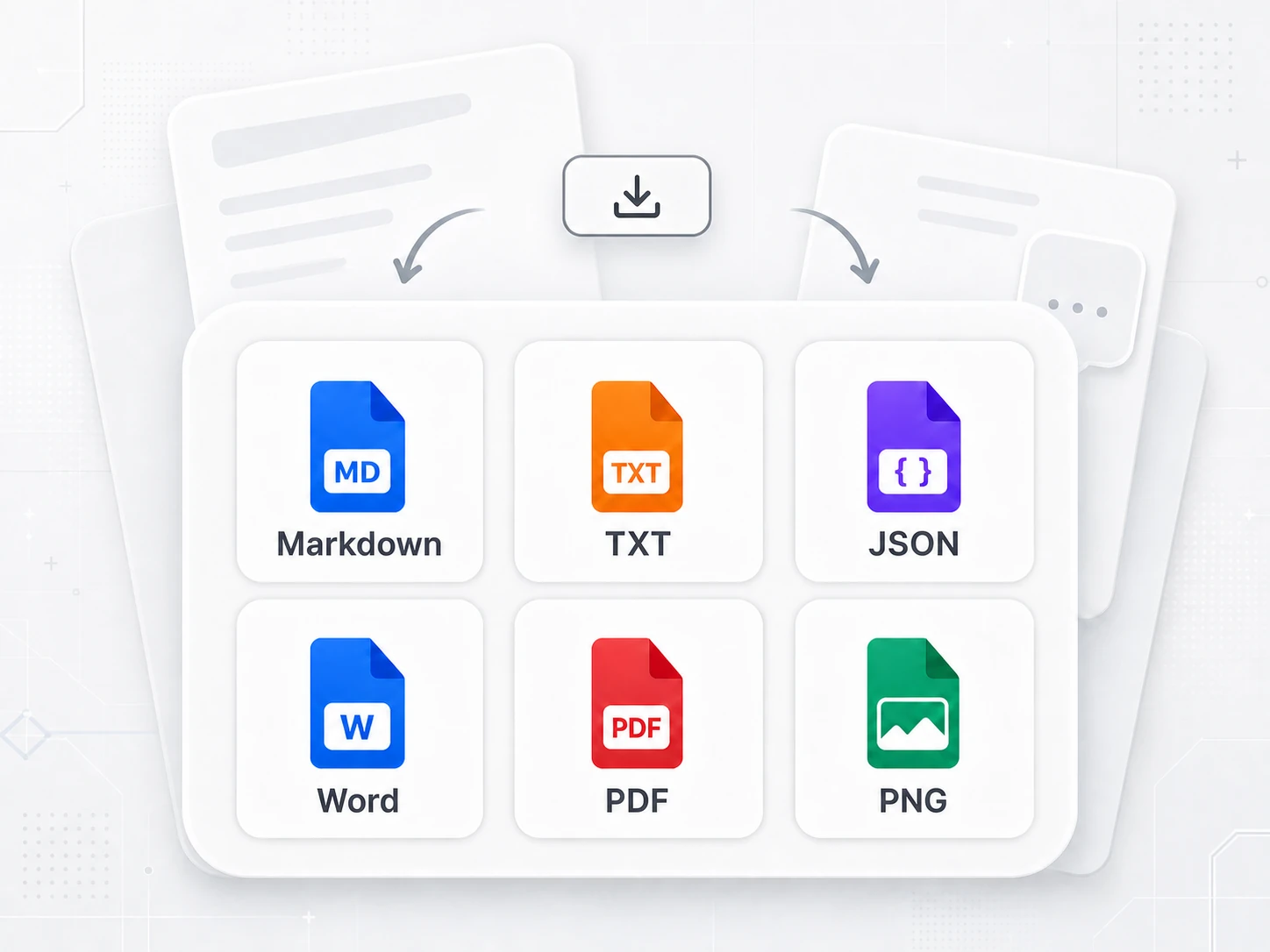
Export in multiple formats
Export to Markdown, TXT, JSON, Word, PDF or images, so every conversation fits the way you work.
Download the Mory browser extension to start collecting, organizing and exporting important AI conversations.
Export to Markdown, TXT, JSON, Word, PDF or images, so every conversation fits the way you work.
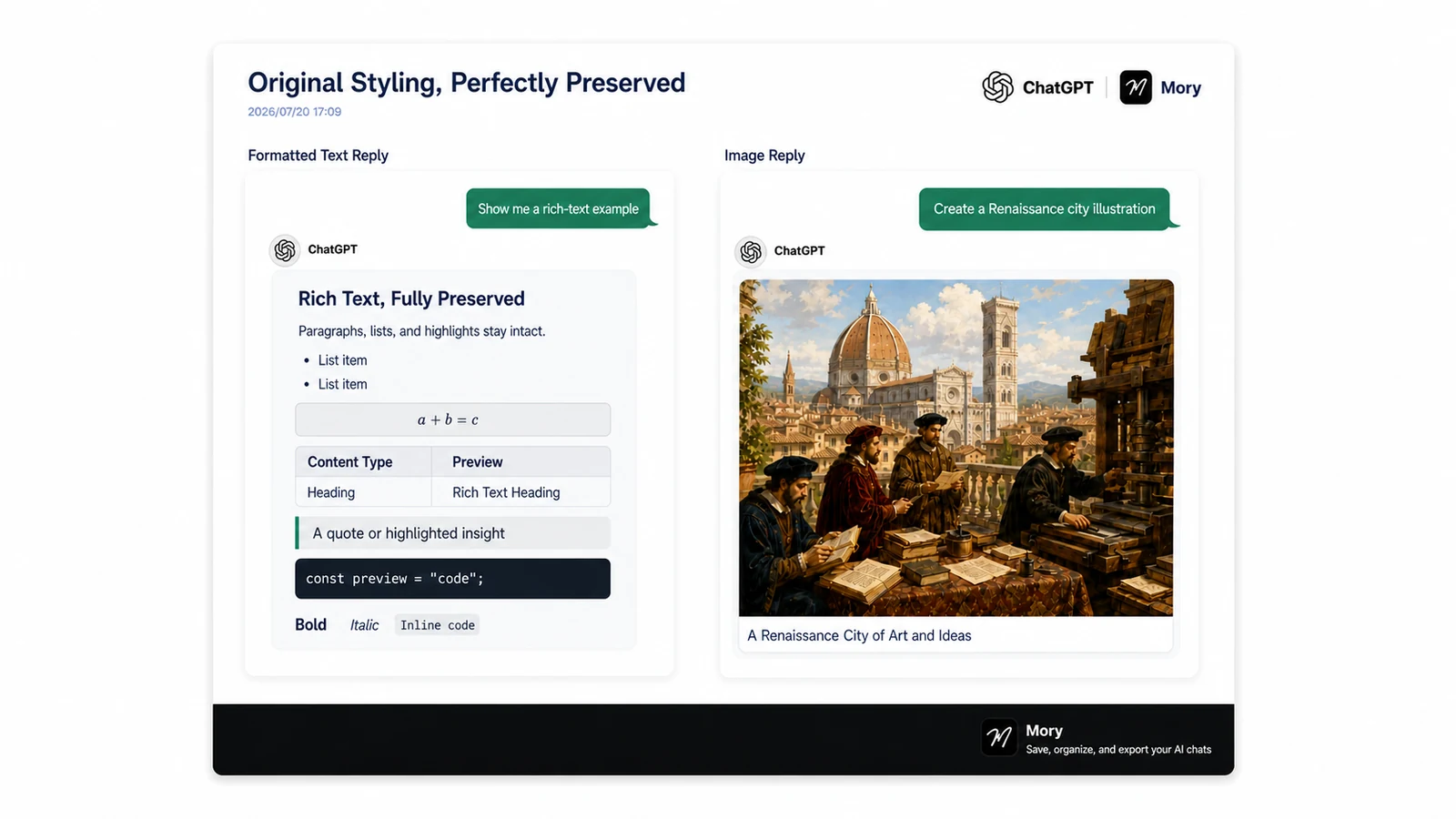
Keep headings, lists, code blocks and other original formatting clear and readable after export.
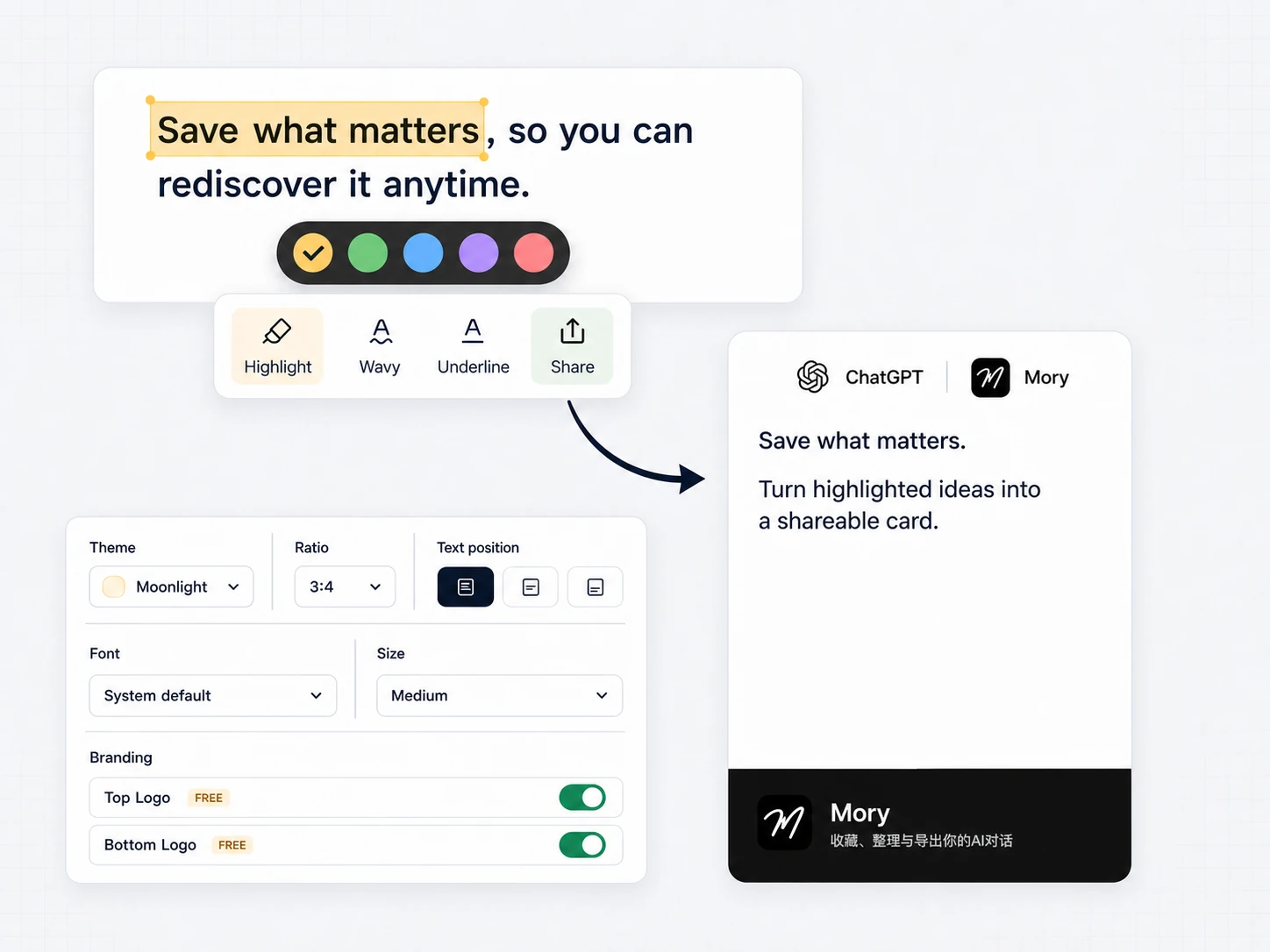
Select text to highlight or underline it, then use the toolbar to save and manage key passages.
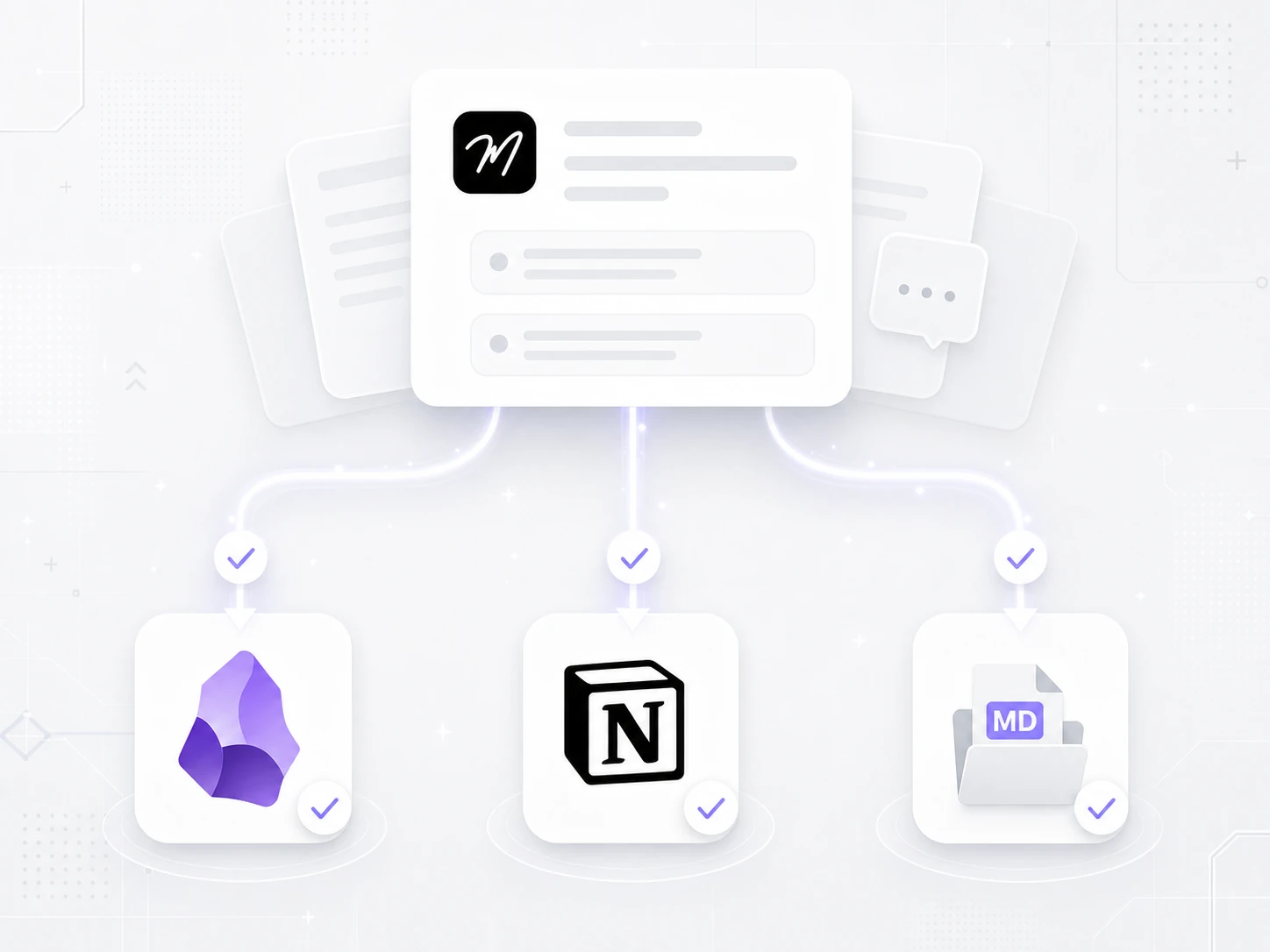
Sync conversations and highlights to Obsidian and Notion, bringing them into your existing knowledge workflow.