


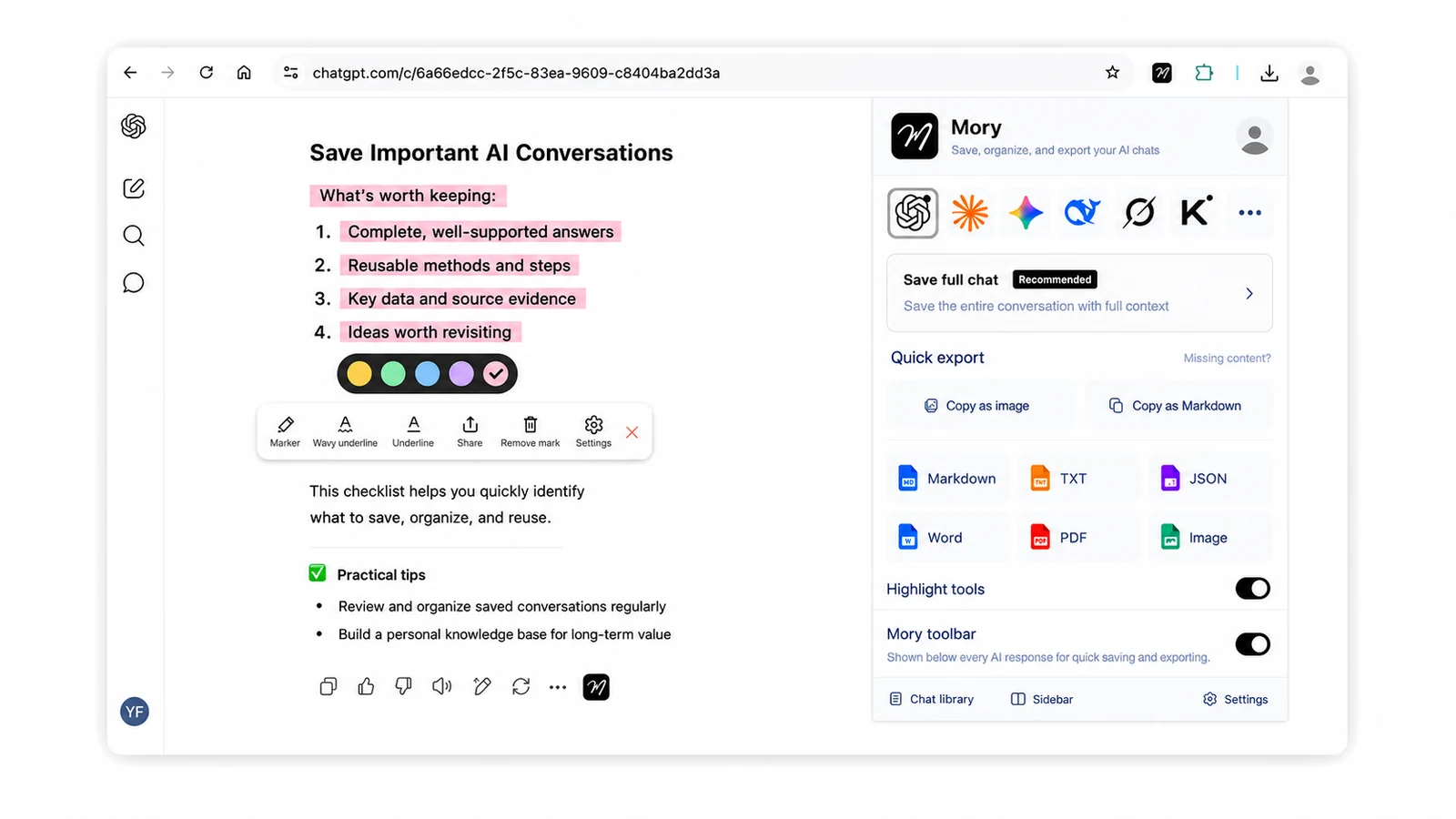
Mark what matters in AI conversations
- Highlight and underline key points in AI answers
- Save one answer, multiple answers or a full conversation
- Save quickly to your chat library from the toolbar
On ChatGPT, Claude, Gemini and other AI websites, highlight and save the answers that truly matter as you chat, keep them together in your local Mory library, and export them to Markdown, PDF, Notion or Obsidian with their formatting preserved.
Mark what matters first, organize it in one place, then export it to your own knowledge workflow.
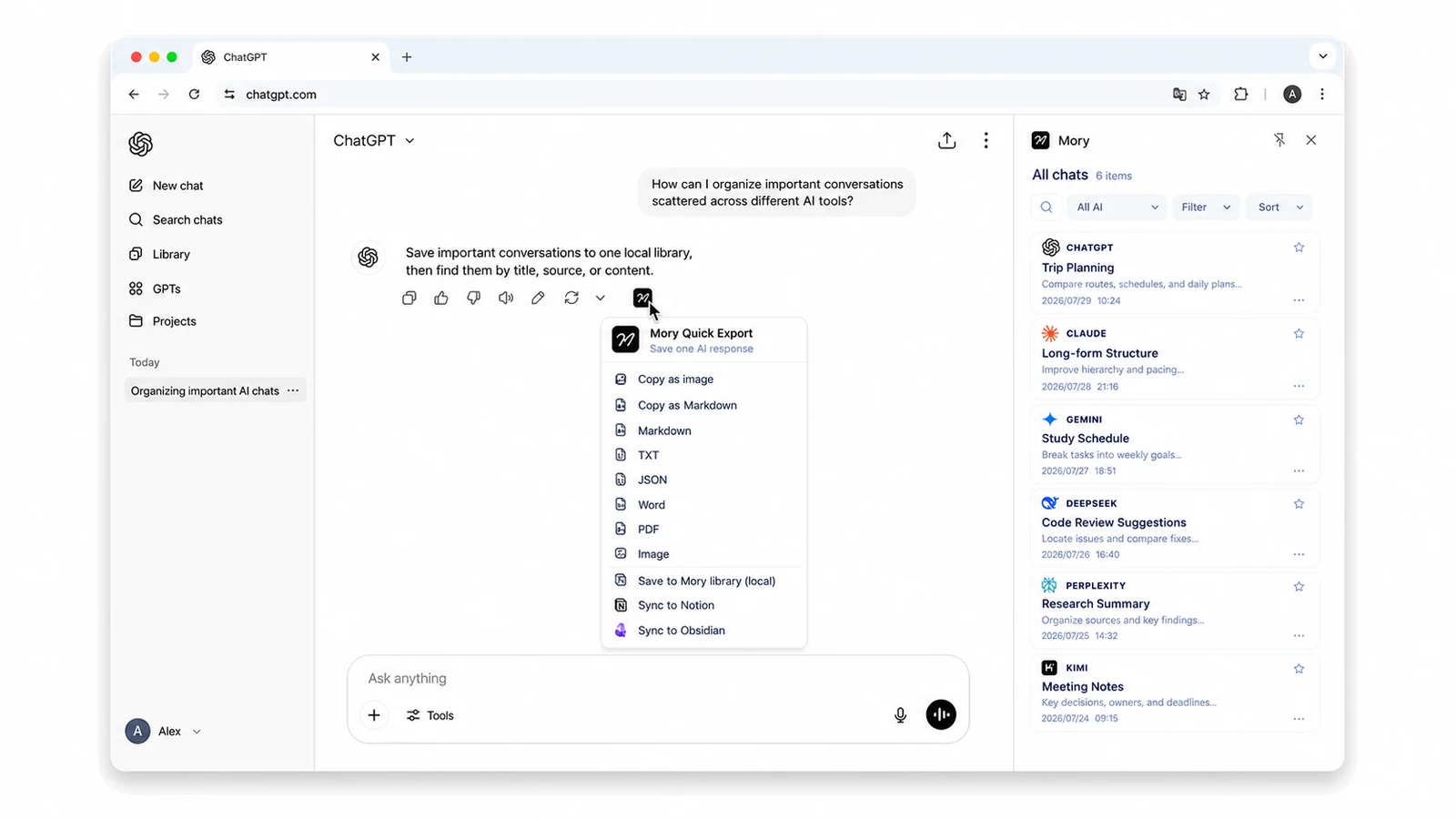
If you often work across multiple AI websites, mark key passages, retrieve earlier answers, and move useful content into local notes or knowledge bases, Mory is designed for that workflow.
| Compare | Mory | AI Exporter | ChatGPT Exporter |
|---|---|---|---|
| Product positioning | Collect, organize and export AI conversations | AI conversation export tool | AI conversation export tool |
| Supported platforms | 10+ leading AI platforms, including ChatGPT, Claude, Gemini and DeepSeek | Mainstream AI platforms | ChatGPT only |
| Export formats | Image / PDF / Markdown / Word / TXT / JSON | Image / PDF / Markdown / Word / TXT / JSON | Image / PDF / Markdown / text / CSV / JSON |
| Highlighting and underlining | Supported | Not supported | Not supported |
| Share cards | Advanced styles | Standard styles | Standard styles |
| Knowledge base sync | Notion and Obsidian | Notion only | Not supported |
| Native formatting | Preserves Markdown, equations, tables and more | Partially supported | Not supported |
| New-user offer | New users get 7 days of Pro | None | None |
| Pricing | $5/month · $42/year | $3.88/month · $46.56/year | $4/month · $36/year |
Feedback and reviews from real users—not claims we make about ourselves
To protect user privacy, some reviewers’ display names have been anonymized
Everything you need to try Mory and handle basic exports
Advanced export tools
Mory supports ChatGPT, Claude, Gemini, DeepSeek, Grok, ChatGLM, Kimi, Qwen, Doubao, Tencent Yuanbao, Perplexity and Copilot. Chrome 116 or later is required. Edge and Firefox versions are coming soon.
No. AI conversations in Mory are processed and stored only in your browser and are not uploaded to Mory servers.
Chat histories are scattered across different AI platforms, making them difficult to search, organize and export in one place. Mory lets you collect and organize important conversations from different AI websites, then export them to your computer or knowledge base so valuable content does not get buried in chat lists.
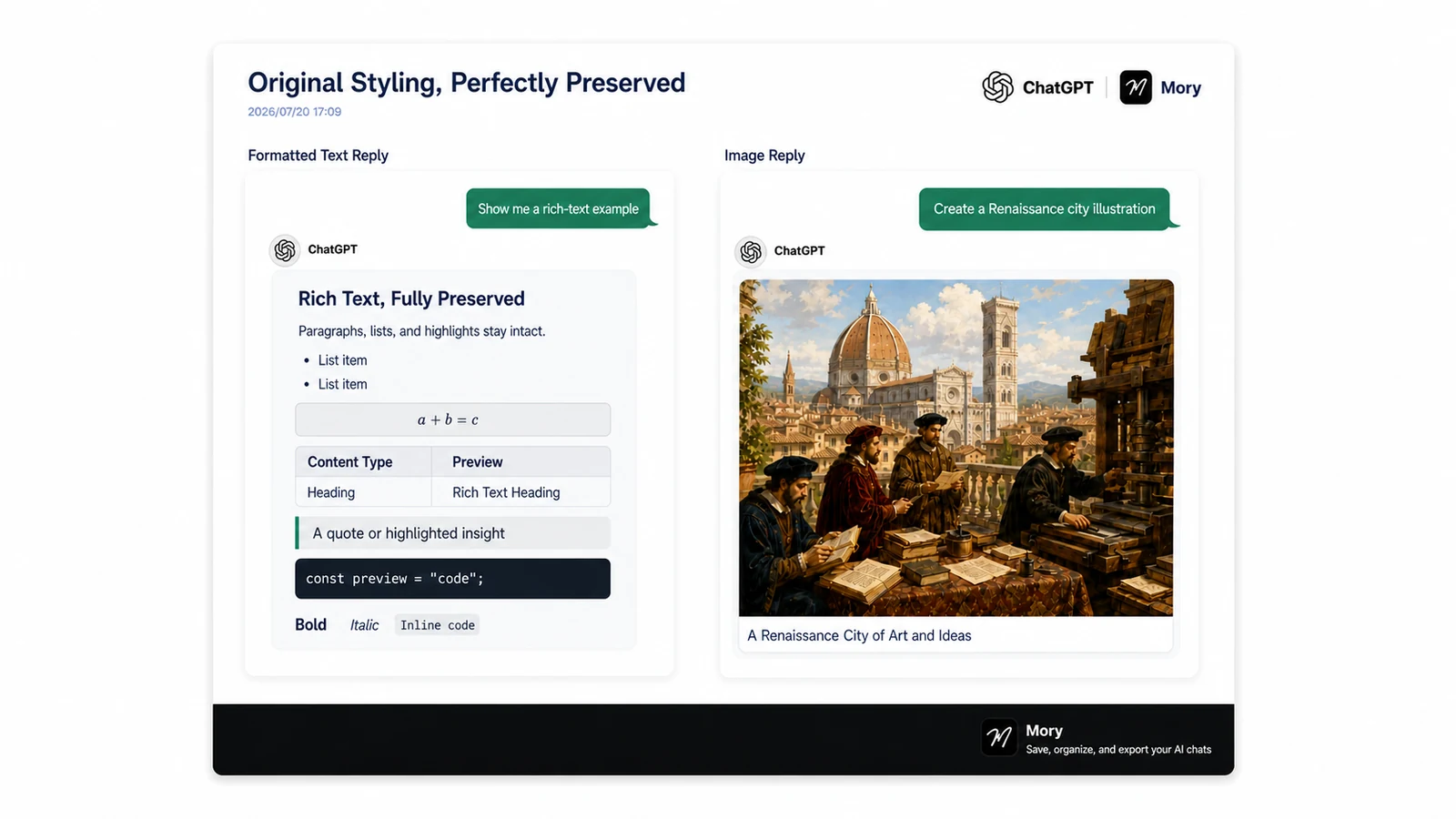
Yes. Mory preserves headings, lists, code blocks, tables, formulas, images and other original formatting so exported content remains clear, natural and easy to read.
Mory's conversation library is stored in your current browser and is not synced to the cloud or other devices. Uninstalling the extension or clearing browser data will remove everything in the conversation library. Export important content to your computer regularly, or sync it to a knowledge base such as Obsidian.
Free covers essential use, with unlimited Markdown, TXT and JSON exports plus five PDF or image exports per day. Pro is designed for professionals who export frequently or need more control over export styles and Obsidian or Notion knowledge-base workflows.
Yes. You may request a full refund for any order, without giving a reason, within 7 calendar days of successful payment. Email support@moryext.com and include your Mory account email address and order details. We will process your request within 1–3 business days; the time it takes for the funds to appear depends on your payment provider.
Use Mory to collect and organize important conversations across AI sites, preserve their original formatting, and export them to Markdown, images, PDF, Notion, or Obsidian.
Add to Chrome